
MCP Tool Poisoning
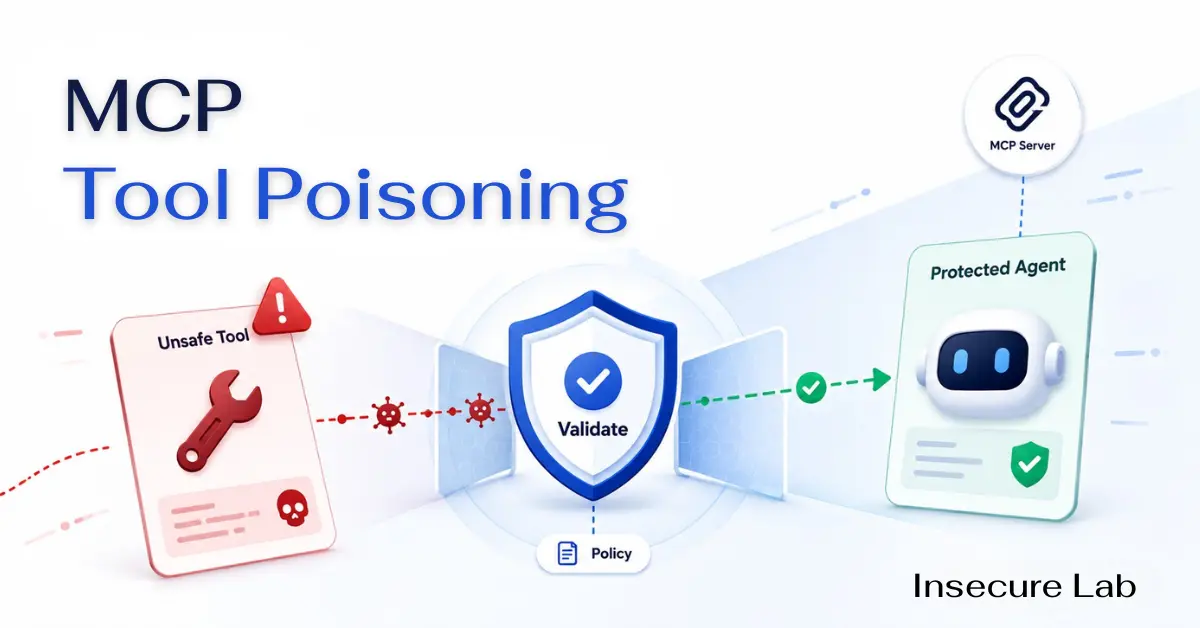
Table of Contents
Quick Answer
MCP tool poisoning happens when an AI agent is influenced by unsafe tool descriptions, parameter schemas, updates, or results. Defenses include trusted registries, pinned definitions, schema review, tool namespaces, argument validation, least privilege, sandboxing, approval gates, monitoring, and rapid revocation.
What Is MCP Tool Poisoning?
MCP tool poisoning is a security risk in which untrusted or changed tool metadata influences an AI agent's decisions. A description may overstate safety, a schema may hide important effects, a duplicate tool may confuse selection, or a tool result may contain instructions that the model treats as authority.
The key defensive principle is simple: tool metadata and output are data, not policy. A trusted application must decide which tools exist, who may use them, which arguments are allowed, and whether the exact requested action is safe.
How the Risk Reaches an AI Agent
Tool poisoning influences the context used to form an action. The model can propose a tool and arguments, but execution must remain behind a deterministic gateway that rechecks identity, authorization, resources and business rules.
- 1 Tool metadata or result changes Description, schema, update or output
- 2 Untrusted content enters context The agent reads it as task input
- 3 The model proposes a tool action Selection and arguments are still untrusted
Control boundary
Deterministic policy gateway Identity · authorization · arguments · target resource · business rulesThe model may propose an action; policy decides whether it executes.
Types of MCP Tool Poisoning
| Type | Meaning | Defensive control |
|---|---|---|
| Description poisoning | Unsafe instructions are hidden in a tool description | Review and sanitize metadata |
| Schema poisoning | Parameters misrepresent behavior or impact | Pin and diff schemas |
| Tool shadowing | A duplicate or confusing tool influences use of a trusted tool | Namespaces and registry controls |
| Rug pull | A previously trusted server changes after approval | Signed versions and change approval |
| Result poisoning | Tool output contains manipulative instructions | Treat results as untrusted data |
| Cross-server interference | One server affects how another server is used | Isolate trust domains |
Tool Poisoning vs Related AI Risks
| Risk | Primary target |
|---|---|
| Direct prompt injection | User prompt |
| Indirect prompt injection | External content |
| MCP tool poisoning | Tool metadata, schemas or results |
| Supply-chain compromise | Tool package, server or dependency |
| Tool misuse | A legitimate tool used for an unsafe action |
Why Tool Schemas Matter
A model uses names, descriptions, parameter types and examples to decide when and how to call a tool. That makes schema review a security task. Pin approved schemas, compare changes, verify high-impact parameters, and keep authorization outside the model.
A prompt that tells an agent to use tools safely is not a deterministic control. Required controls include tool allowlists, user and resource authorization, argument validation, business-rule checks, rate limits, approval gates, execution sandboxing, and audit logs.
Defensive Tool Trust Lifecycle
| Lifecycle stage | Required check |
|---|---|
| Discover | Approved registry, owner and purpose |
| Install | Signature, package and dependency review |
| Approve | Exact tools, scopes and data access |
| Execute | Arguments, identity and resource authorization |
| Update | Definition, schema and permission diff |
| Monitor | Unusual calls, output and policy failures |
| Retire | Credential revocation and server removal |
Approval and change review
Can This Tool Be Trusted?
Use this review before approval and after every meaningful update. A familiar name or previously safe version is not enough when definitions, permissions, dependencies or runtime behavior can change.
-
Ownership and provenance
Know who publishes and maintains the server or package.
Verify- Use an approved source.
- Record the owner and version.
- Avoid anonymous or unverifiable components for sensitive work.
-
Requested permissions
Understand every file, API, resource and action the tool can reach.
Verify- Prefer narrow read-only access.
- Separate destructive actions.
- Review any scope increase.
-
Description and schema
Compare the stated purpose with actual runtime behavior.
Verify- Pin definitions.
- Diff tool schemas.
- Reject vague or overly broad parameters.
-
Execution environment
Contain the impact if the tool behaves incorrectly.
Verify- Sandbox processes.
- Restrict outbound destinations.
- Limit filesystem and secret access.
-
Update and revocation
Trust must be reviewed continuously, not only at installation.
Verify- Require change approval.
- Detect rug pulls.
- Support fast disable and credential revocation.
MCP Tool Poisoning Prevention Checklist
- Allow tools only from approved, attributable sources.
- Pin versions and compare descriptions, schemas and permissions before updates.
- Use unique namespaces so one server cannot silently shadow another tool.
- Validate every outbound argument against strict schemas and business rules.
- Recheck user, tenant and resource authorization at execution time.
- Treat tool results as untrusted content.
- Sandbox local servers and restrict filesystem, process and network access.
- Require approval for payment, deletion, privilege, communication and other sensitive actions.
- Log tool discovery, approval, calls, results and definition changes.
- Keep a tested disable and credential-revocation path.
Recent security research has also described broader MCP risks such as conversation hijacking and resource abuse. The practical response is layered control around identity, tools, data, execution and monitoring rather than reliance on model instructions alone.
Explore AI Security Topics
FAQs
Sources and further reading
- OWASP - MCP Tool Poisoning — Tool-description, schema and indirect prompt-injection risk overview
- OWASP MCP Top 10 — MCP tool, supply-chain, scope and telemetry risks
- Model Context Protocol - Security Best Practices — Official guidance for trusted MCP deployments
- Unit 42 - Model Context Protocol Attack Vectors — Research on conversation, tool and resource risks in MCP ecosystems